
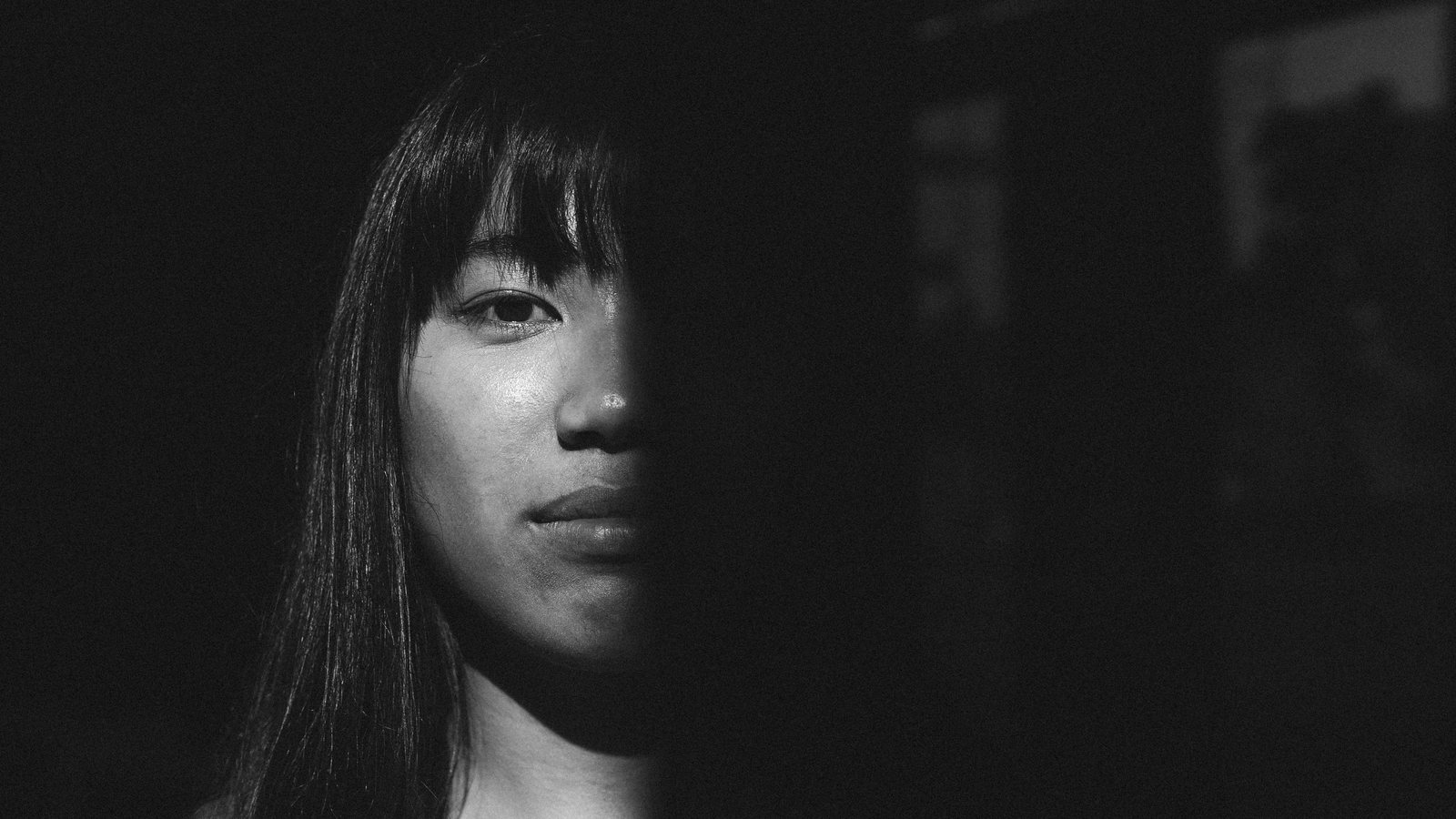
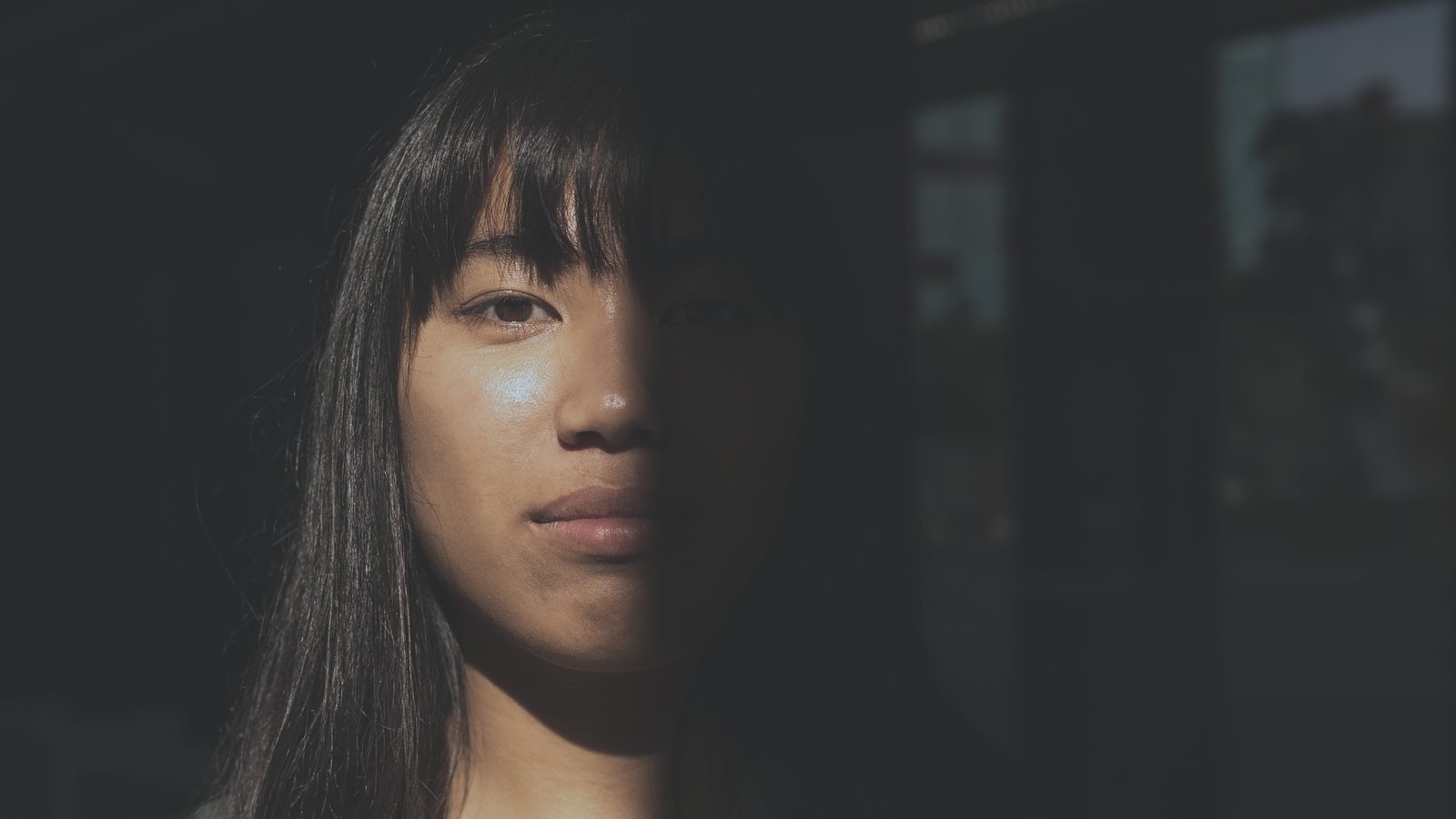
 Before
PF50 ++
Every look, side by side
Like a darkroom test strip: the shadow photo in all 2 looks. Point at a band to open it, click to compare it above.
How it works
- InstallDouble-click each .costylepack file, or use Import Styles and Style Brushes in the Styles and Presets tool.
- Click a styleNumbered like the Lightroom looks. For less of a look, apply it to a filled layer and lower the opacity.
- Stack the toolsAdd grain, a fade or a vignette on top, then adjust as usual.
Questions
Which version of Capture One?
They were built and tested in Capture One 16.8. Each film comes as a .costylepack, the format Capture One imports itself.
Is it the same as the Lightroom version?
Close, not identical. Capture One cannot load a LUT, so each style is matched to its Lightroom look with Capture One's own tools, and the grain is Capture One's film grain.
What are the tools?
A second group of styles to stack on top: curves, exposure, fades, sharpening, vignettes, noise and film grain, plus a reset.
Is it the real film?
No. These looks are inspired by Pan F 50 film and made to bring its color to digital photos.
 Portra 160 for Capture One
 Portra 400 for Capture One
 Portra 800 for Capture One
 Portrait 160 for Capture One