
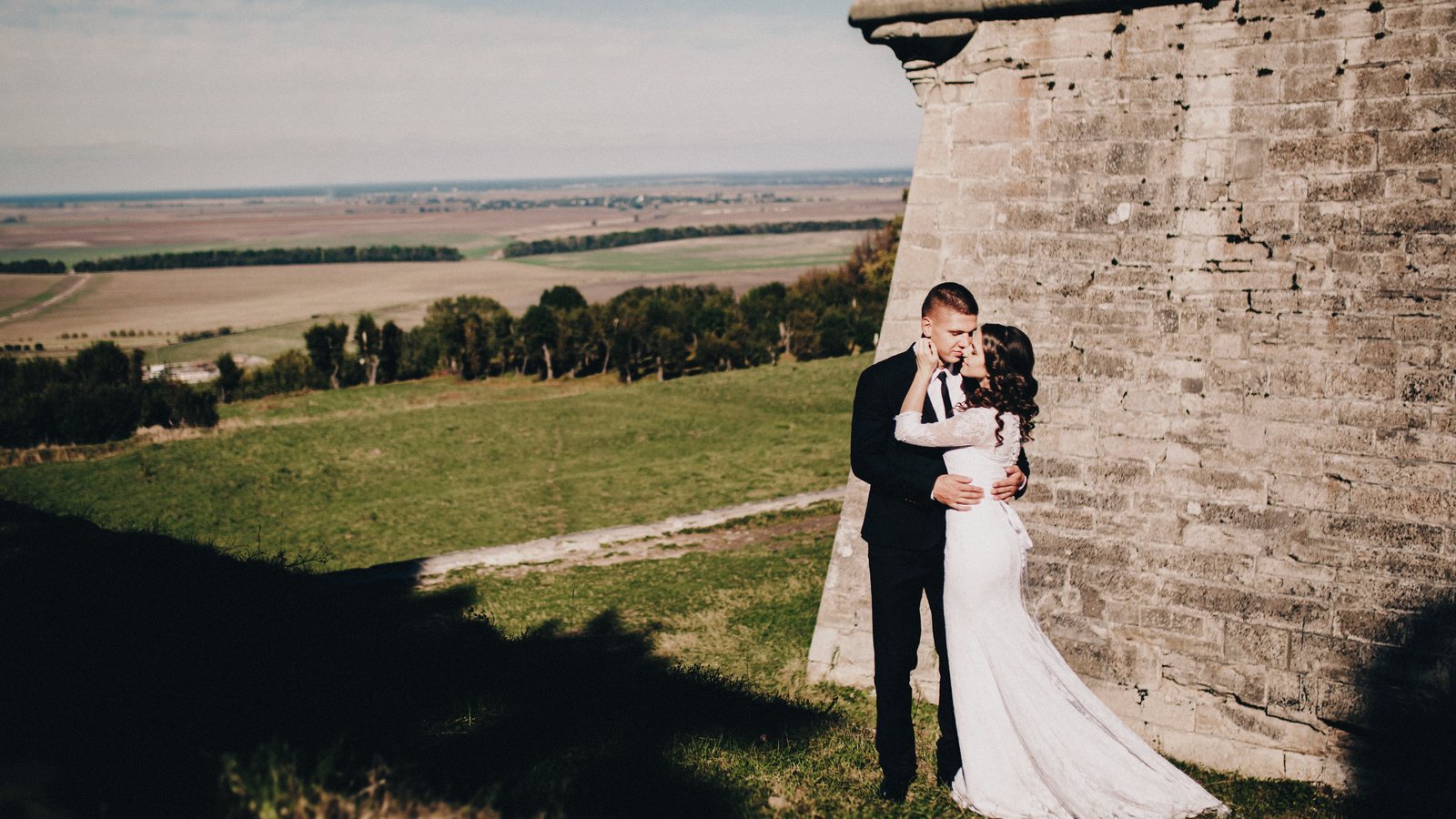
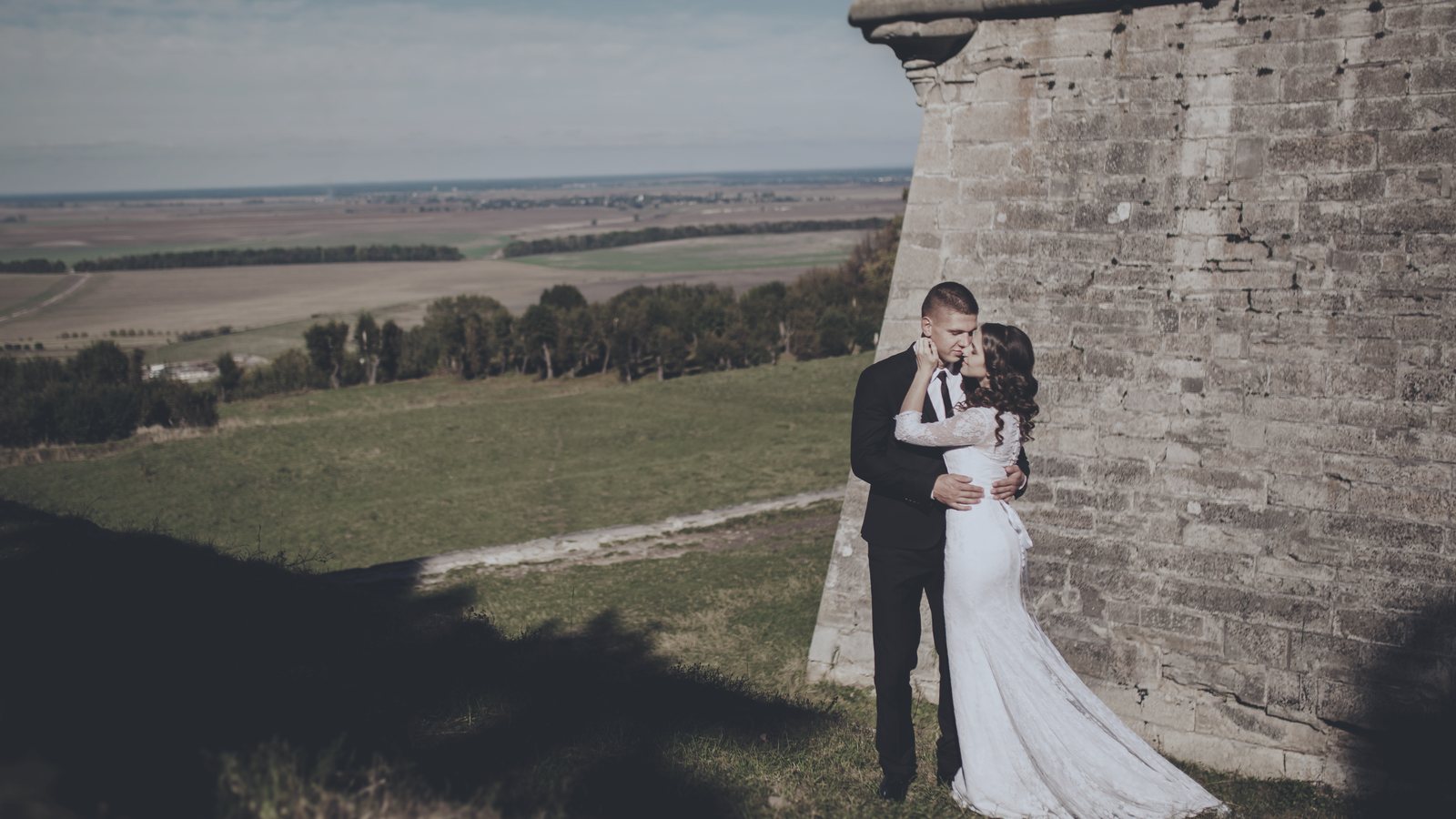
 Before
P160 ++
Every look, side by side
Like a darkroom test strip: the wedding photo in all 5 looks. Point at a band to open it, click to compare it above.
How it works
- InstallDouble-click each .costylepack file, or use Import Styles and Style Brushes in the Styles and Presets tool.
- Click a styleNumbered like the Lightroom looks. For less of a look, apply it to a filled layer and lower the opacity.
- Stack the toolsAdd grain, a fade or a vignette on top, then adjust as usual.
Questions
Which version of Capture One?
They were built and tested in Capture One 16.8. Each film comes as a .costylepack, the format Capture One imports itself.
Is it the same as the Lightroom version?
Close, not identical. Capture One cannot load a LUT, so each style is matched to its Lightroom look with Capture One's own tools, and the grain is Capture One's film grain.
What are the tools?
A second group of styles to stack on top: curves, exposure, fades, sharpening, vignettes, noise and film grain, plus a reset.
Is it the real film?
No. These looks are inspired by Portra 160 film and made to bring its color to digital photos.
 Portra 400 for Capture One
 Portra 800 for Capture One
 Portrait 160 for Capture One
 Gold 200 for Capture One