
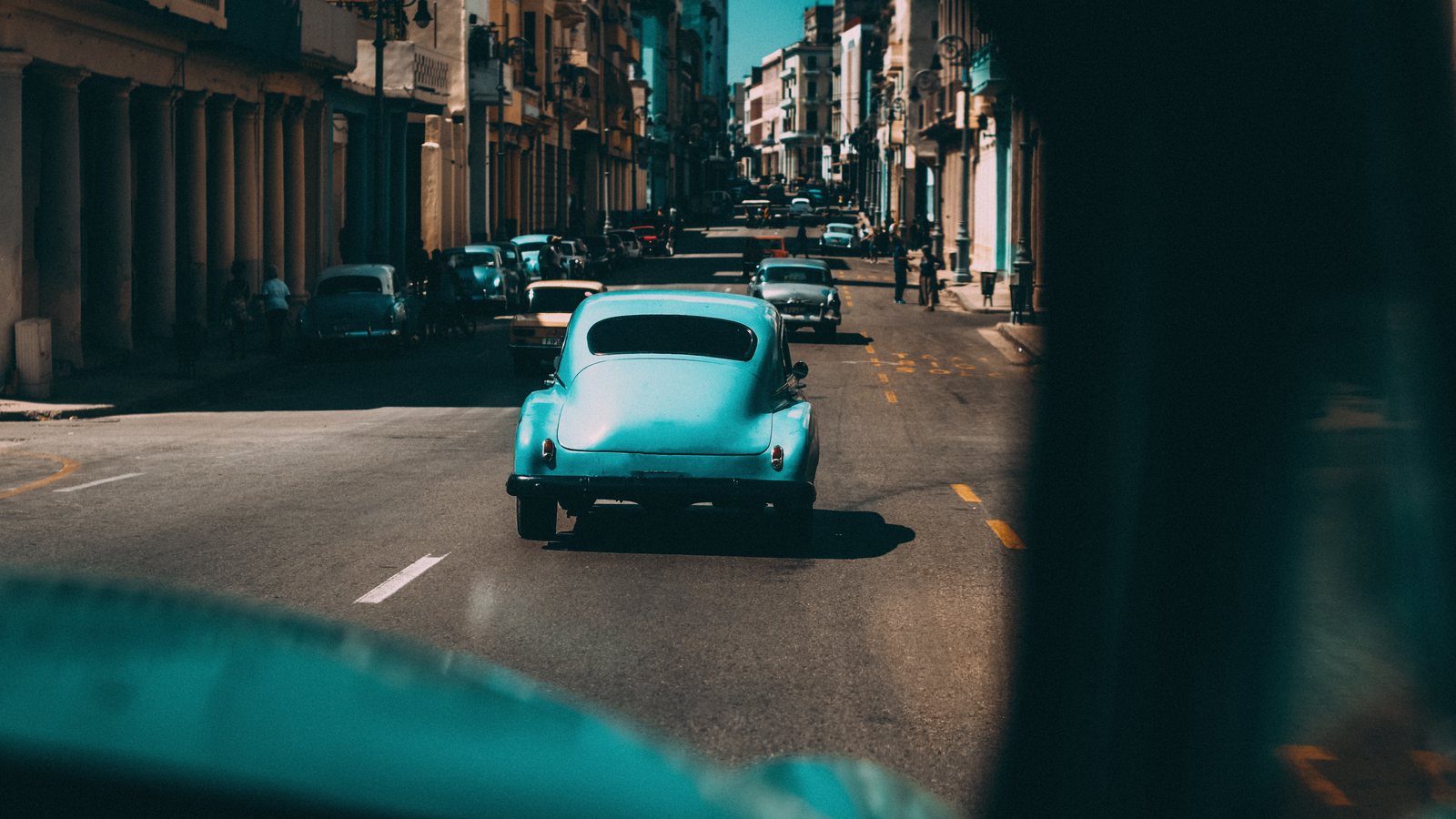
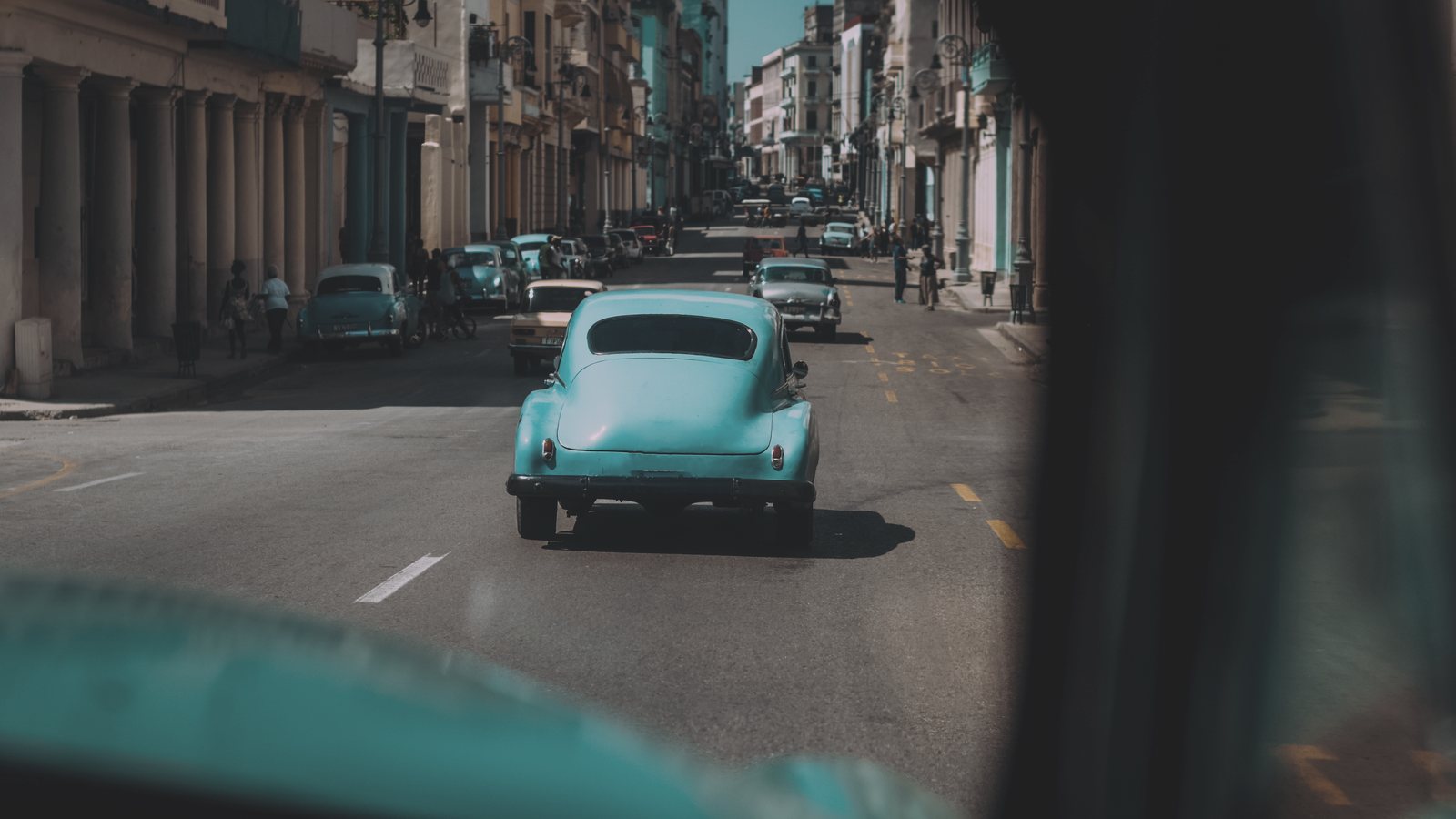
 Before
AV100 ++
Every look, side by side
Like a darkroom test strip: the classic car photo in all 5 looks. Point at a band to open it, click to compare it above.
How it works
- Click a presetIt sets the Vista 100 profile and adds the film's own fine grain.
- Pick a profileTry another look in the Profile Browser. Its Amount slider sets how strong it is.
- Adjust as usualExposure, white balance and every other slider stay yours to move.
Questions
Do I need a camera RAW file?
No. The looks work on RAW, JPEG and HEIC photos. RAW files give the most room to adjust.
Which apps does it work in?
Lightroom Classic, Lightroom on desktop and Camera Raw in Photoshop. Presets and profiles also sync to Lightroom on your phone.
What is the difference between a preset and a profile?
A preset sets everything at once: the Vista 100 profile at full strength plus the film's grain. A profile changes only the color, and its Amount slider makes it stronger or softer. Apply a preset first, then try other profiles.
Is it included in All Access?
Yes. All Access includes Vista 100 and everything else in the store, plus everything new as it arrives, for $149 a year.
Is it the real film?
No. These looks are inspired by Vista 100 film and made to bring its color to digital photos.
 Portra 160 inspired
 Portra 400 inspired
 Portra 800 inspired
 Portrait 160 inspired