
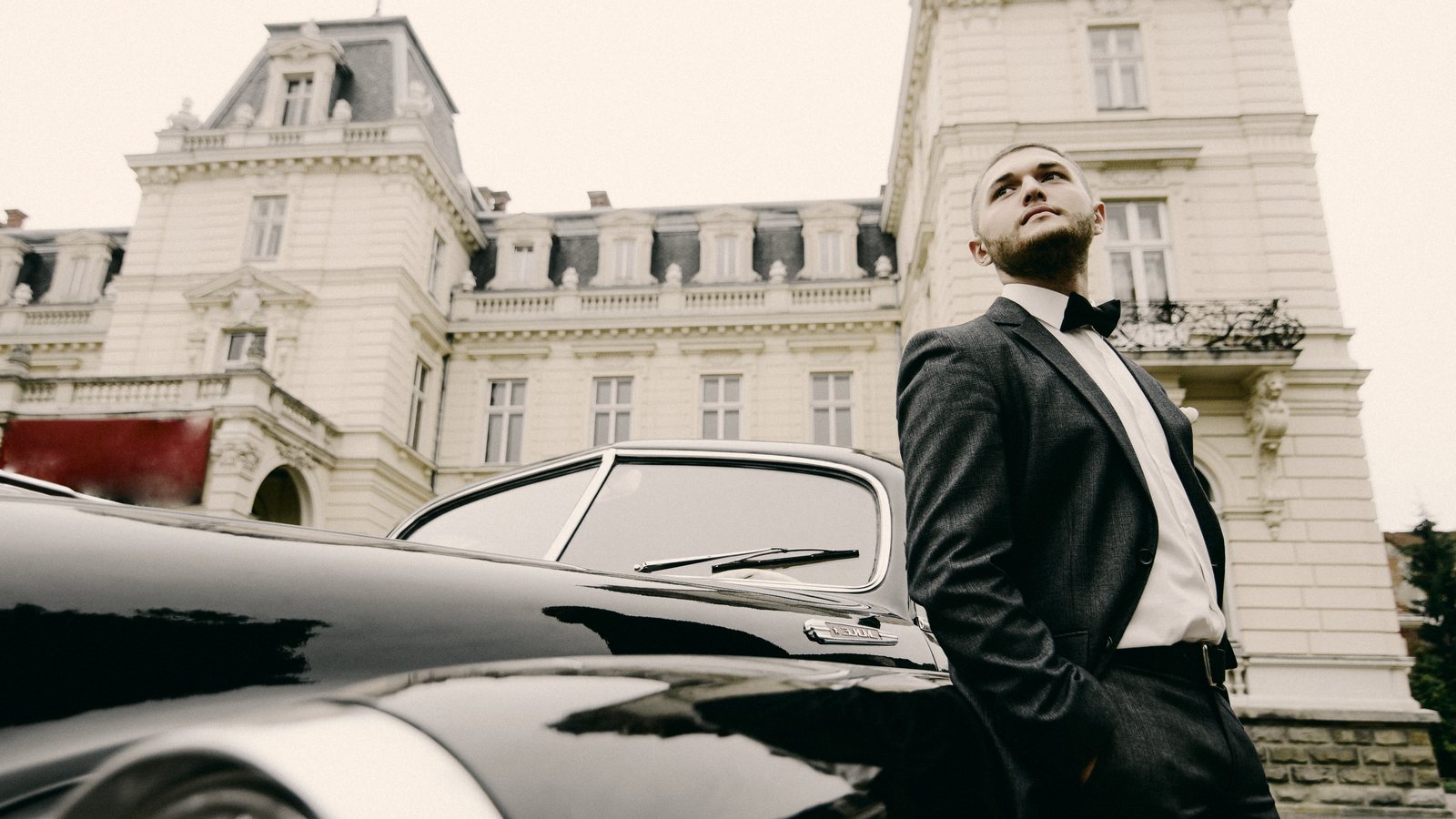
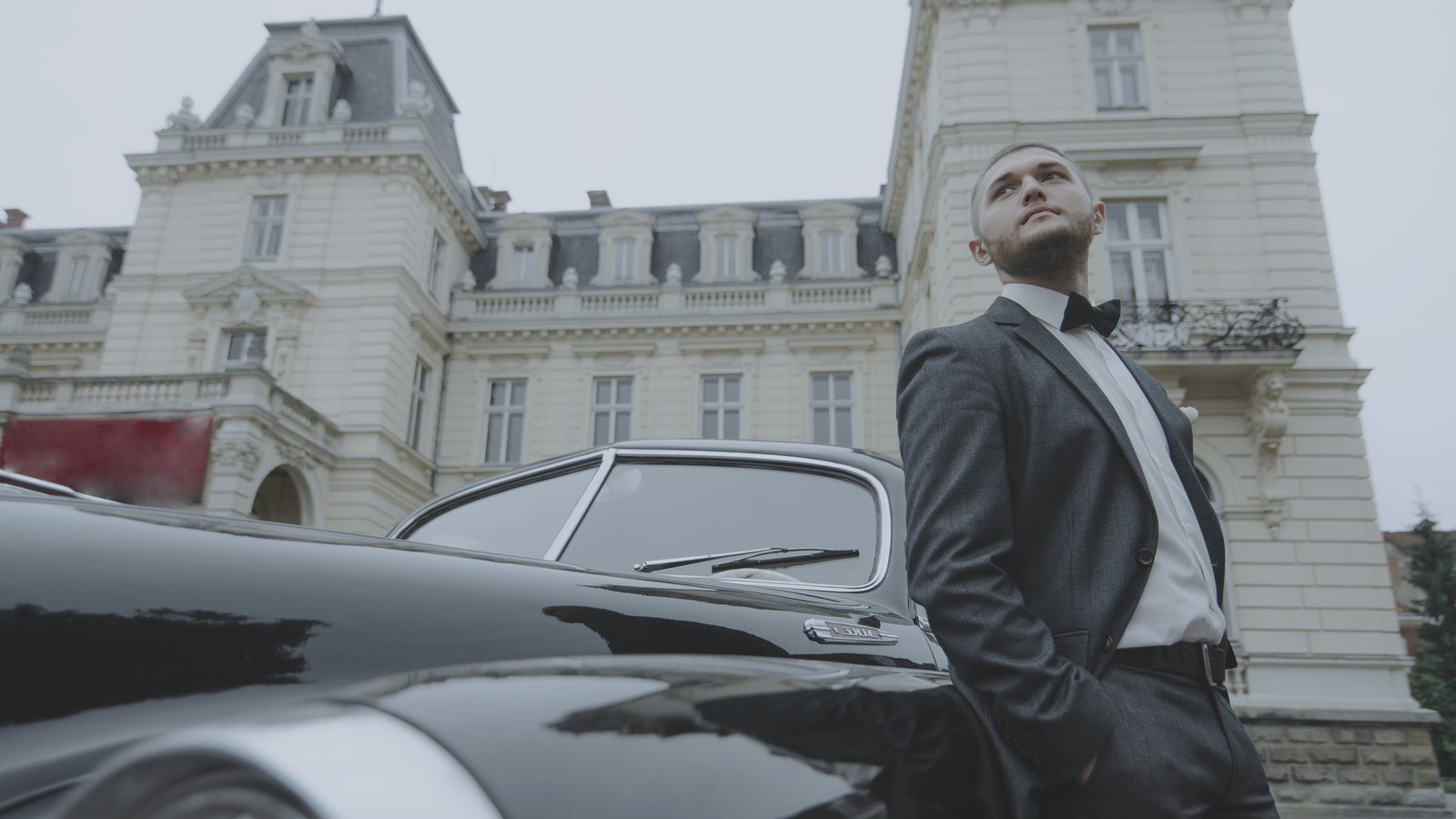
 Before
Old Town ++
Every look, side by side
Like a darkroom test strip: the tuxedo photo in all 7 looks. Point at a band to open it, click to compare it above.Tap a band to open it; the viewer above switches to it too.
How it works
- InstallDouble-click the .lnpc file. The collection appears under Presets, Purchased.
- Pick a presetBriefing, Coastline, Old Town, Frost, Casino, Skyline, Firelight, each in four strengths, named as in Lightroom.
- Set the amountLower the preset's Amount for a softer look, then adjust as usual.
Questions
Which version of Luminar?
They were built and tested in Luminar Neo 1.26.1 on Mac. The collection comes as one .lnpc file.
Is it the same as the Lightroom version?
Each preset carries the color of its Lightroom look, plus Luminar's own Film Grain in place of the Lightroom grain.
How do I install it?
Double-click the .lnpc file, or in Luminar open Presets, go to Purchased and choose Add. To update, delete the old collection first and restart Luminar.
Why seven looks?
They follow a shooting day: Briefing for the overcast city, Coastline for sun on the coast, Old Town for golden hour streets, Frost for snow and cold, Casino for lamp-lit luxury, Skyline for city nights and Firelight for the finale. Each comes in four strengths, from Base to +++.
Is it included in All Access?
Yes. All Access includes Cinematic Spy Film and everything else in the store, plus everything new as it arrives, for $149 a year.
Is it from a movie?
No. These are our own looks, built on our film profiles and inspired by the color of spy films. They are not copied from any film.
 Cinematic Action for Luminar
 Cinematic Retro for Luminar
 Cinematic Thriller for Luminar
 Cinematic Romance for Luminar