
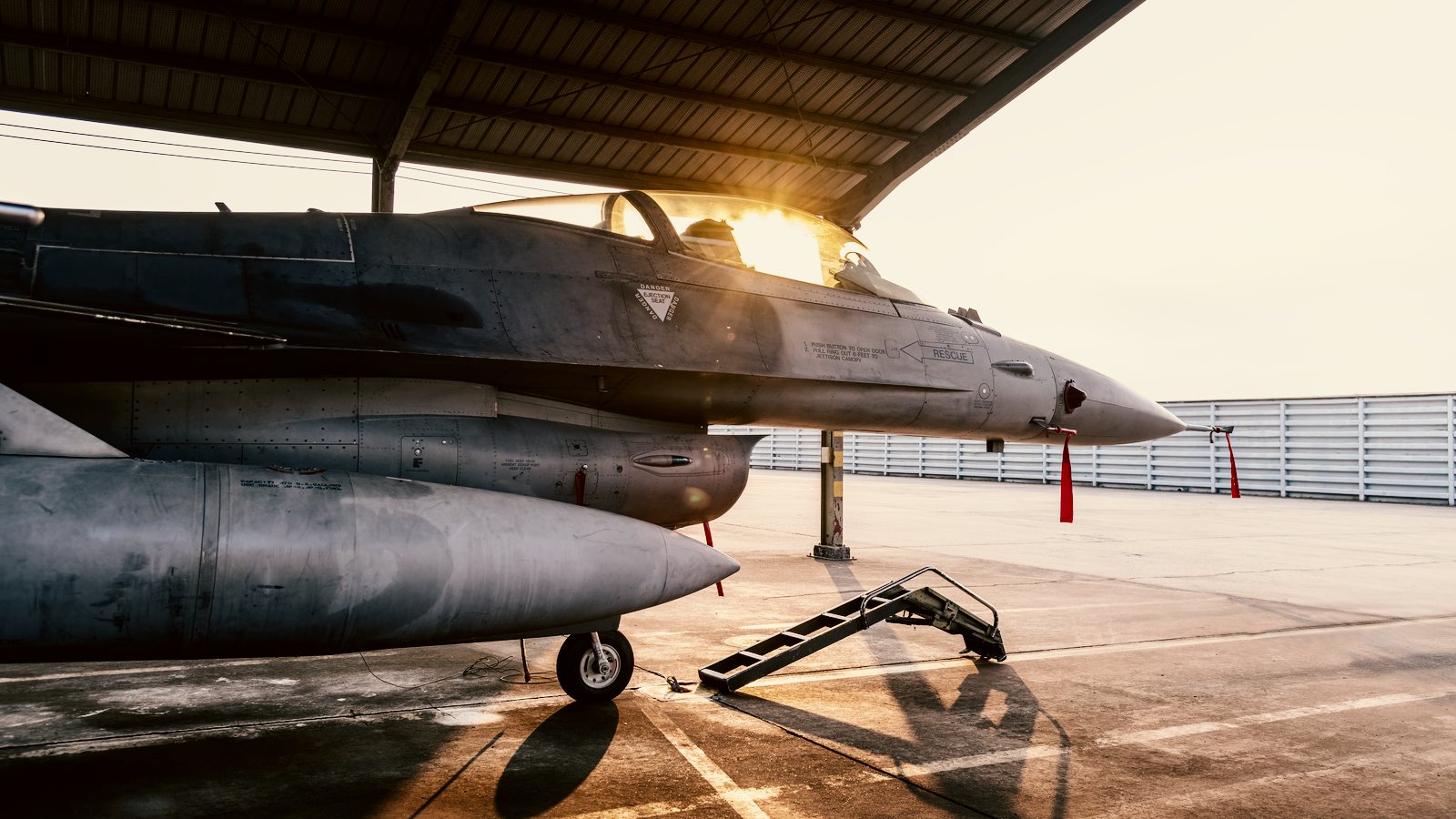
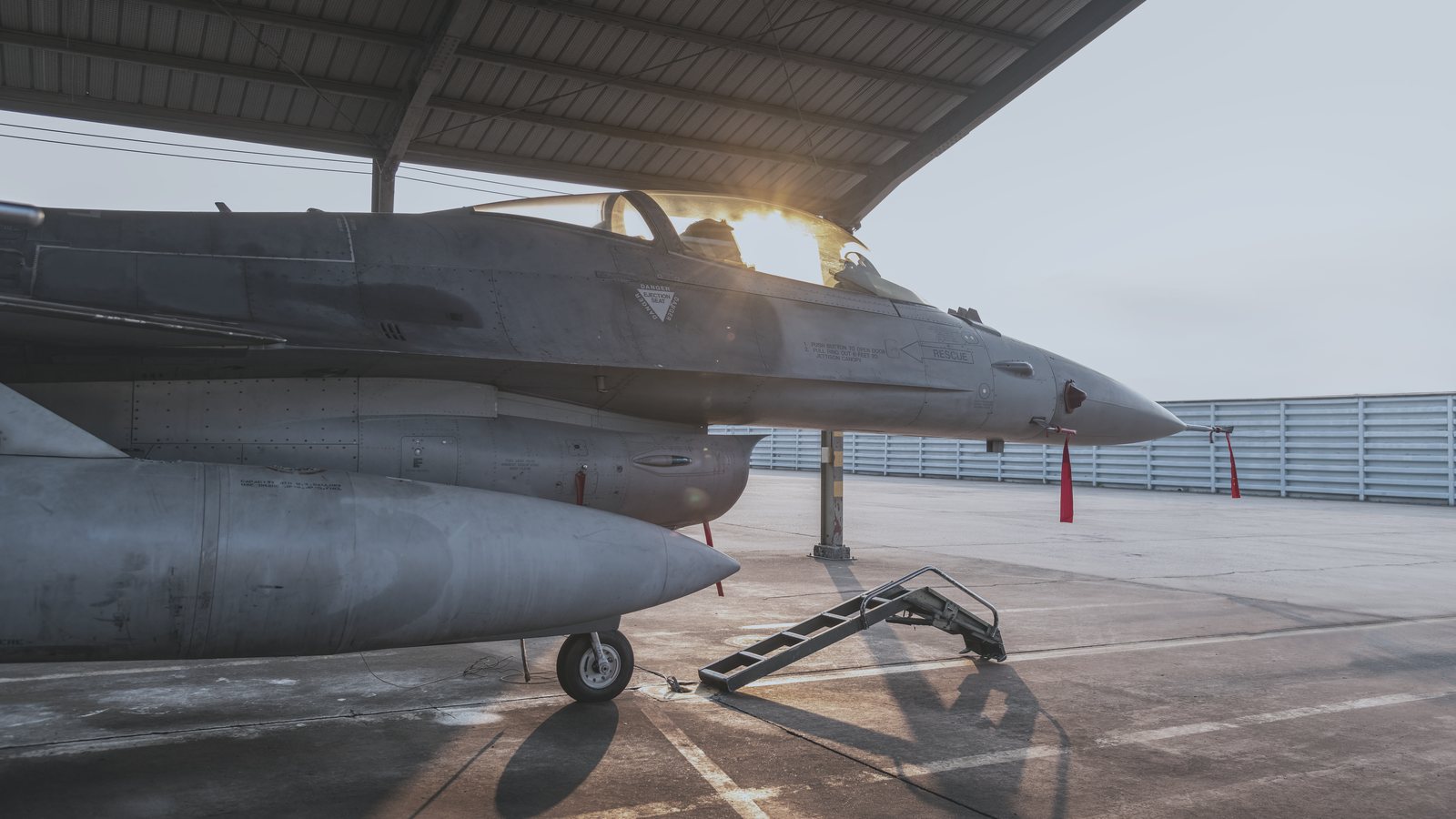
 Before
Afterburner ++
Every look, side by side
Like a darkroom test strip: the flight line photo in all 7 looks. Point at a band to open it, click to compare it above.Tap a band to open it; the viewer above switches to it too.
How it works
- Load the LUTA Color Lookup layer in Photoshop, Lumetri in Premiere Pro, the Custom LUT effect in Final Cut Pro, or a node in DaVinci Resolve.
- Pick a lookHero Shot, Gunmetal, Afterburner, Last Light, Night Ops, Hangar, Showdown, each in four strengths, numbered in that order.
- Set the strengthLower the layer opacity or the effect amount for a softer look.
Questions
Which apps does it work in?
Photoshop, Premiere Pro, Final Cut Pro, DaVinci Resolve and any editor that reads .cube LUTs.
Does it work on video?
Yes. Every look comes for standard Rec.709 footage and for seven log formats: Apple Log 2, Apple Log, Sony S-Log3, Canon C-Log3, Panasonic V-Log, Fujifilm F-Log2 and DJI D-Log. Use the folder for your camera directly on the log clip.
Is it the same as the Lightroom version?
Close, not identical. A LUT carries color and tone only, so the grain and the masks of the Lightroom presets are not in it.
Why seven looks?
They follow a shooting day: Hero Shot for bright daylight, Gunmetal for cold steel, Afterburner for golden hour, Last Light for dusk, Night Ops for night, Hangar for interiors and Showdown for the finale. Each comes in four strengths, from Base to +++.
Is it included in All Access?
Yes. All Access includes Cinematic Action and everything else in the store, plus everything new as it arrives, for $149 a year.
Is it from a movie?
No. These are our own looks, built on our film profiles and inspired by the color of action cinema. They are not copied from any film.
 Cinematic Retro LUTs
 Cinematic Thriller LUTs
 Portra 160 LUTs
 Portra 400 LUTs